Create SOPs automatically while you work
Dyzo Owl records your clicks, screenshots, and workflow steps — then turns them into clean SOPs for training, client handovers, QA, and team documentation. Free for 5 SOPs a month.
- 1
Click “New invoice” in the billing dashboard
- 2
Fill in the client and amount, then Save
- 3
Send the invoice and copy the payment link
Illustration — every click you make becomes a step with its own screenshot.
Automatic step capture
Our Chrome extension records every click, input, and navigation — no manual screenshots.
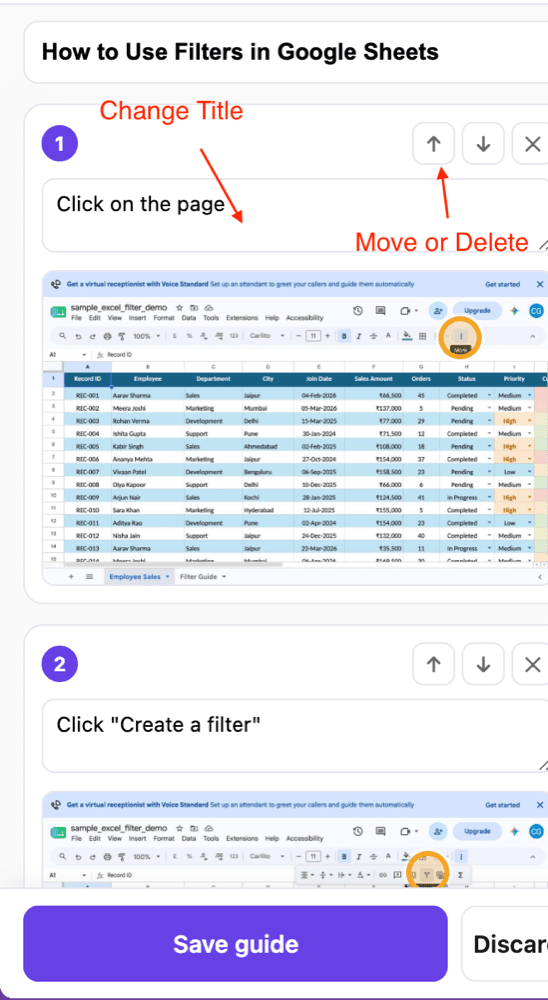
Refine in a rich editor
Edit captions, reorder or delete steps, and clean up the auto-captured flow.
Blur & annotate
Redact sensitive data, add arrows, boxes and notes right on each screenshot.
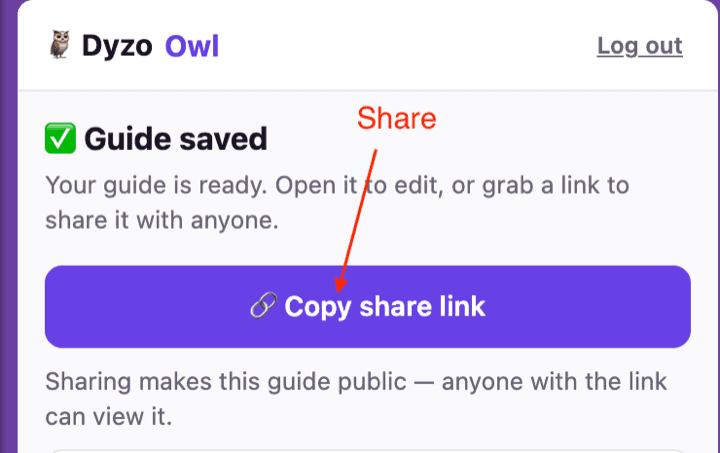
Share & export
Publish a link anyone can open, or export to PDF, HTML and Markdown.
Stay organized
Keep every guide in one workspace, ready for onboarding and handovers.
Improve with AI
One click rewrites rough captions into clear instructions and suggests a title — you review, then save.
How it works
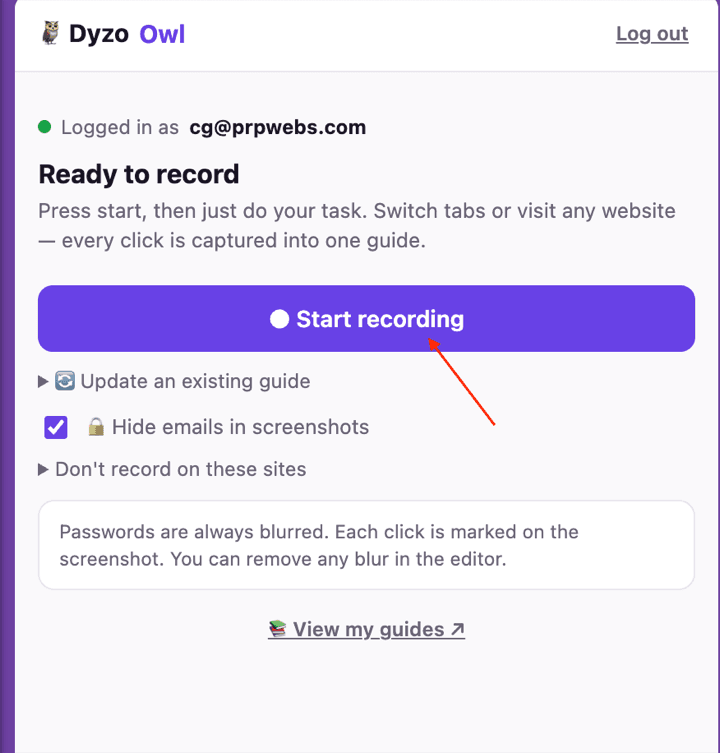
Record
Hit record in the extension and just do the task. Every click, form and page change becomes a numbered step — across tabs, on any site.
Refine
Dyzo Owl writes the guide for you. Edit any caption, reorder or delete steps, blur anything sensitive, and let AI polish the wording.
Share
Publish a link anyone can open — no signup to view — or export to Word, PDF, HTML and Markdown. See who read and completed it.